
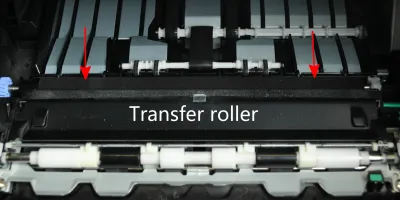
<p>Easy to follow installation guide for RM1-5462-000 Transfer Roller, used in <a href="https://secure.partsmart-corp.com/kit-and-fuser-assembly/hp-laserjet-f2… maintenance kit</a>. F2G76-67901 maintenance kit is specifically designed for HP LaserJet Enterprise M604, M605, M606 printers.</p>
Compatible models
Detailed Step by Step Instruction
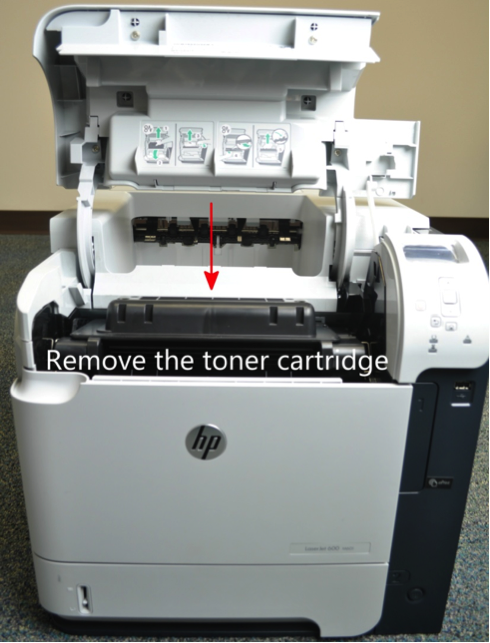
Open the top cover of the printer and remove the toner cartridge.
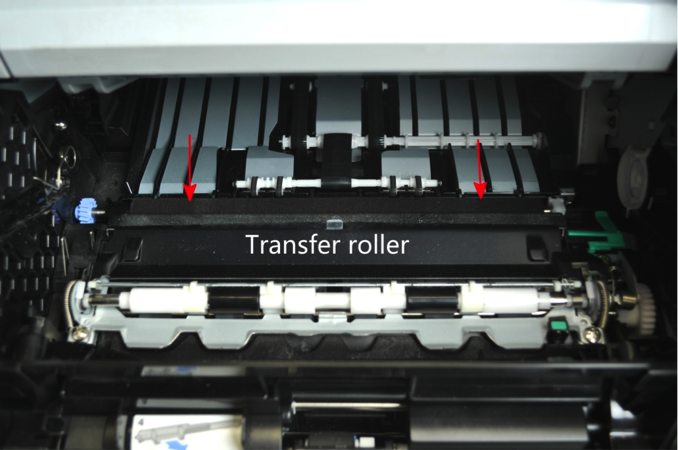
Transfer roller is located under the toner cartridge.
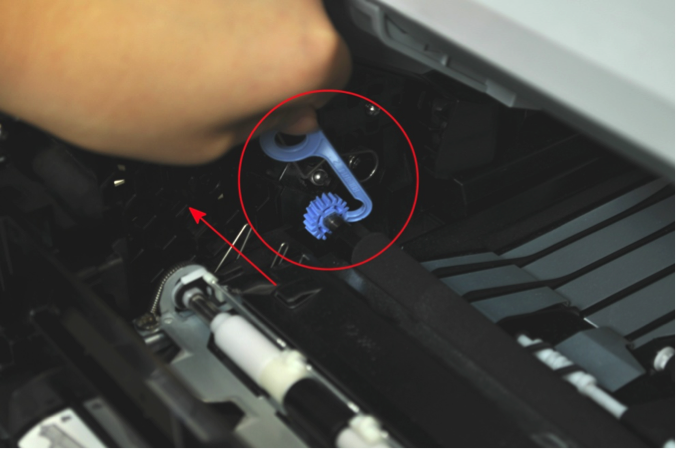
Use our special plastic hook (included in the transfer roller box) to pull the left end of transfer roller up and then slide the transfer roller to the left to remove it.
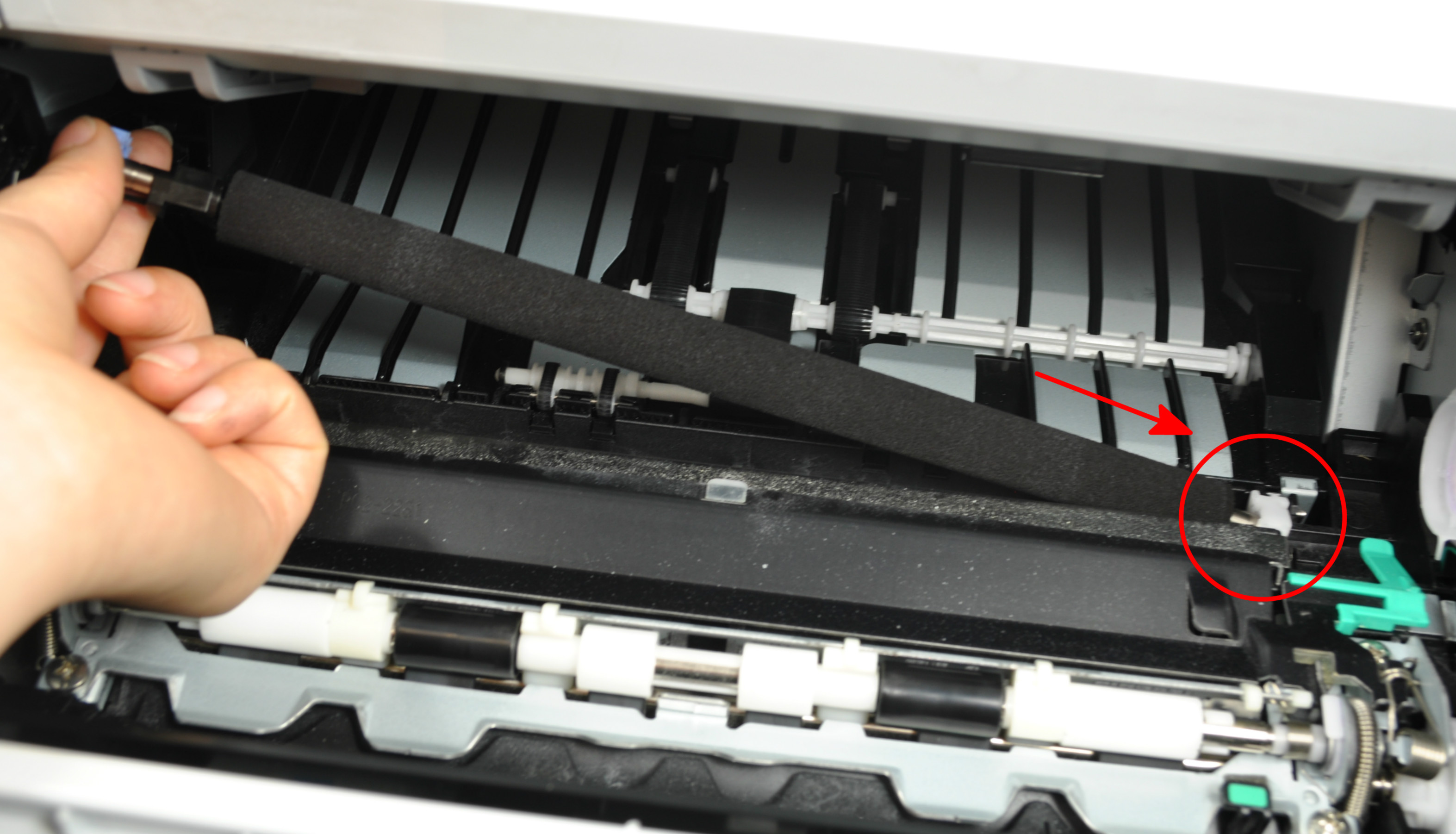
Insert the right side of the new transfer roller first and then the left side, making sure the black plastic clip at the left side of the roller is oriented with the open end facing down and snaps it into position. Note: Do not touch the surface of the transfer roller during installation.