
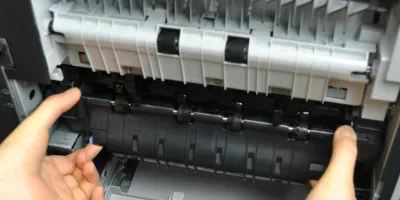
<p>Easy to follow installation guide for RM1-4554 fuser, used in <a href="https://secure.partsmart-corp.com/kit-and-fuser-assembly/hp-laserjet-hp… maintenance kit</a>. CB388A maintenance kit is specifically designed for HP LaserJet P4014, P4015, P4515 printers.</p>
Compatible models
Detailed Step by Step Instruction
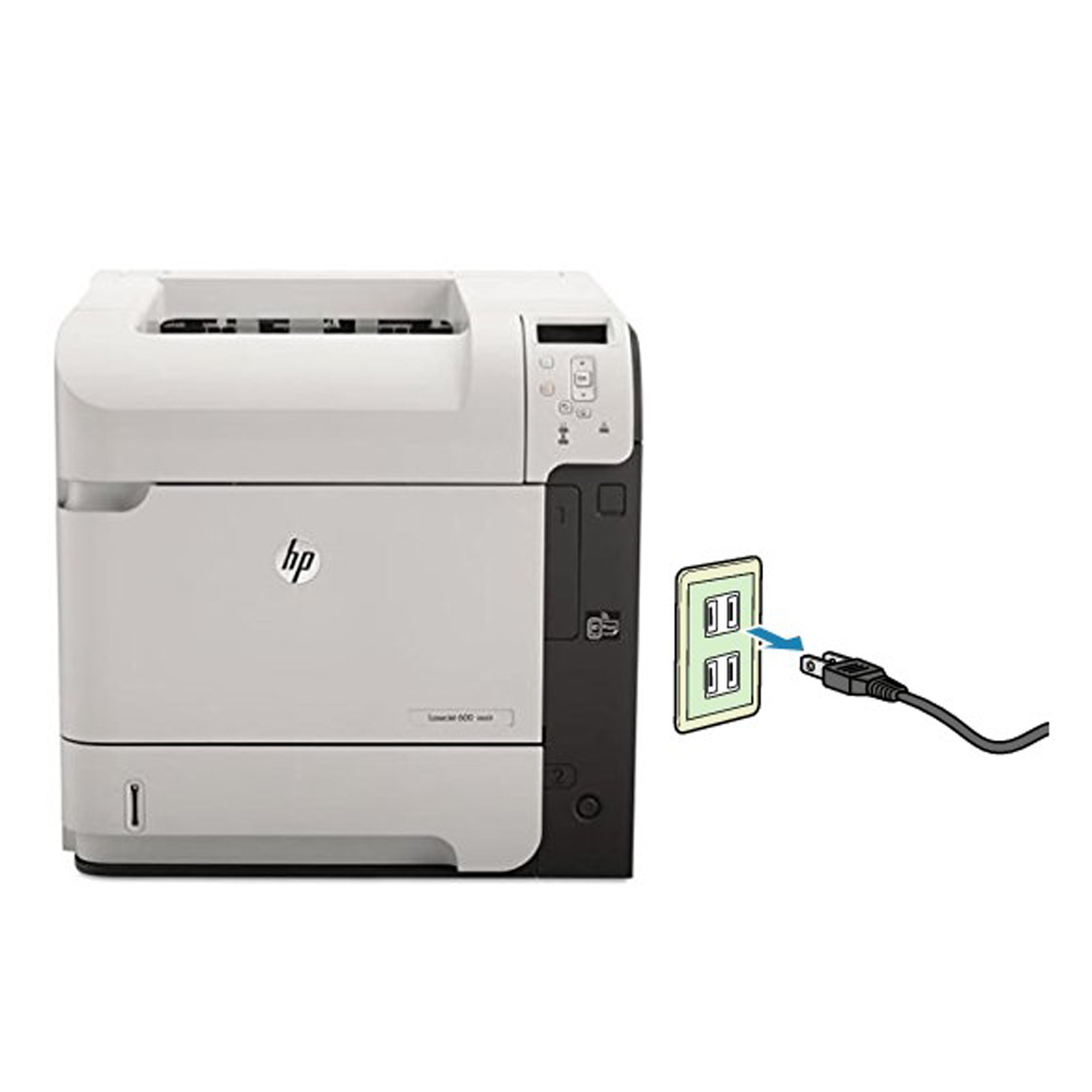
<p>Before installing the fuser, turn the printer off and unplug the power cord (wait 30 minutes until the fuser cool down before proceeding).</p>
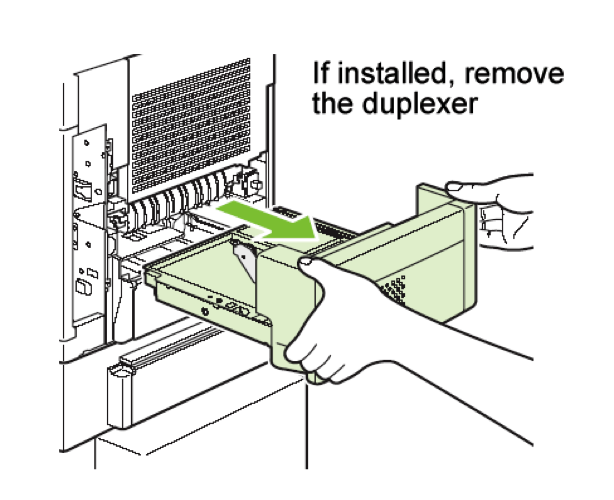
<p>Remove duplexer from the back of the printer.</p>
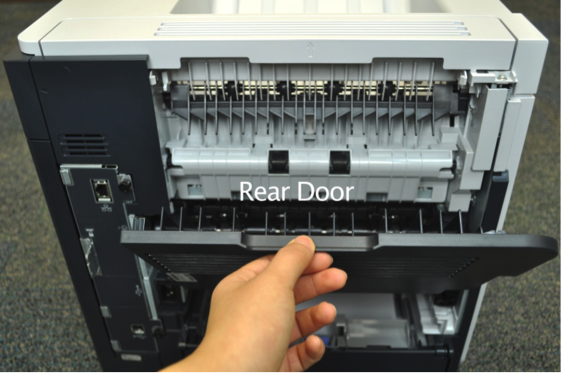
<p>Fold down the rear door.</p>
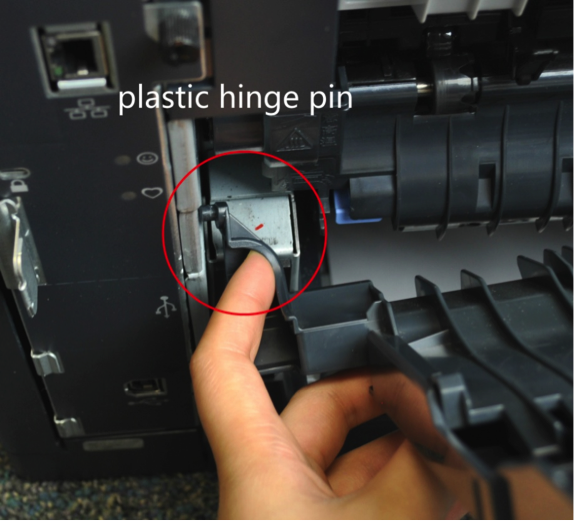
<p>Flex the plastic hinge pin on the bottom left of the rear door and squeeze the left hinge pin to release the holding tab.</p>
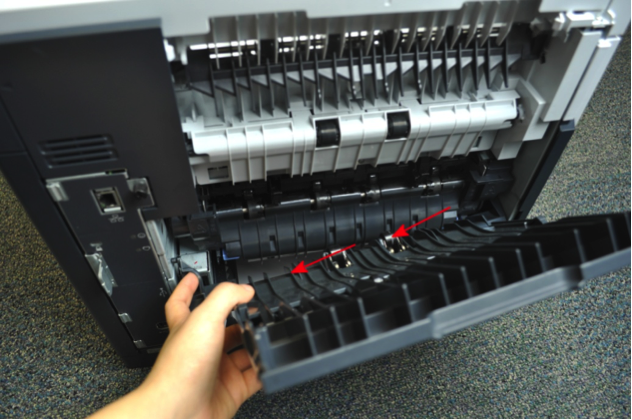
<p>Slide the rear door to the left to remove from printer.</p>
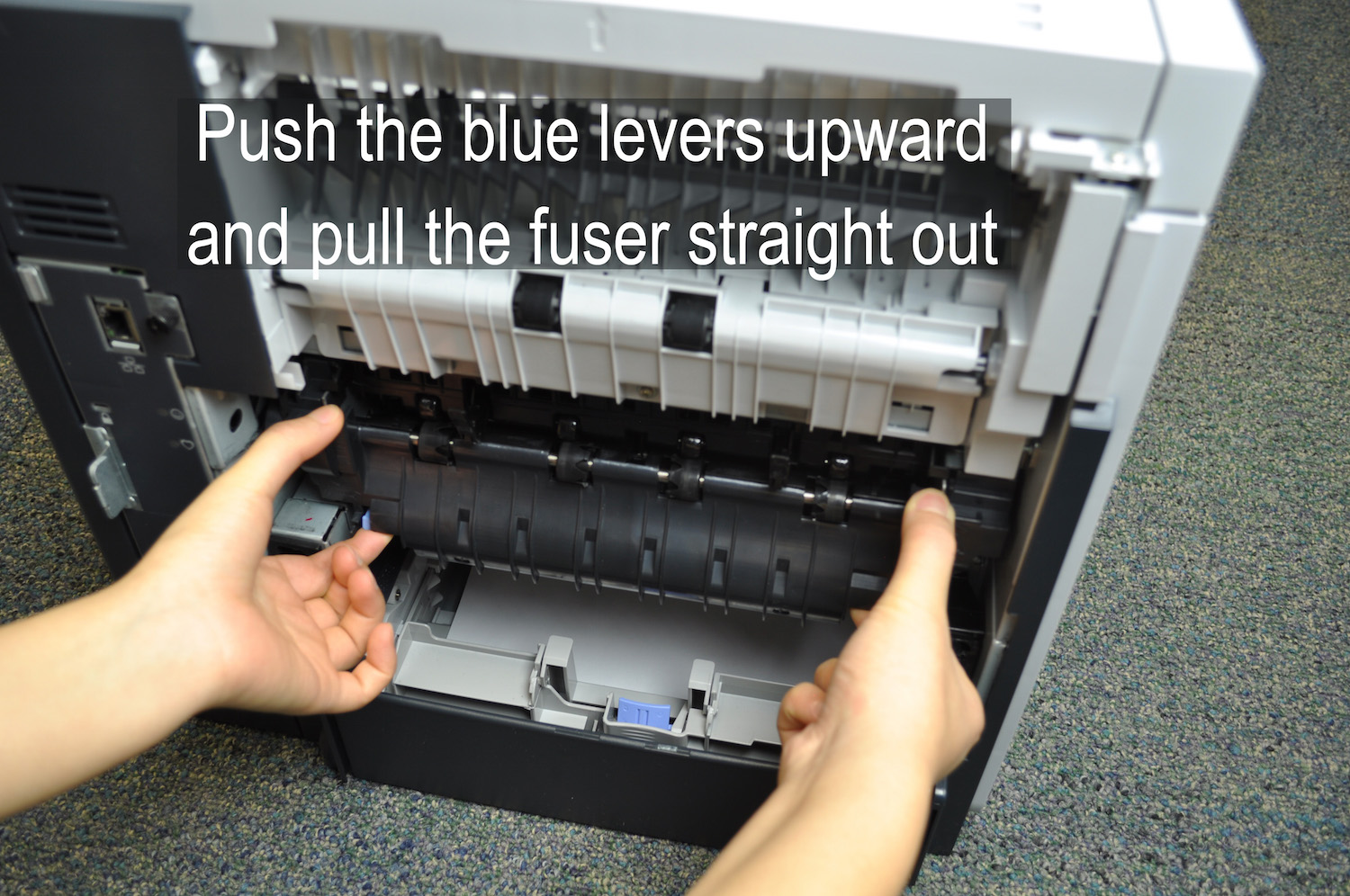
<p>While holding onto both sides of the fuser, push the two blue levers on the bottom of the fuser and pull the fuser out.</p>
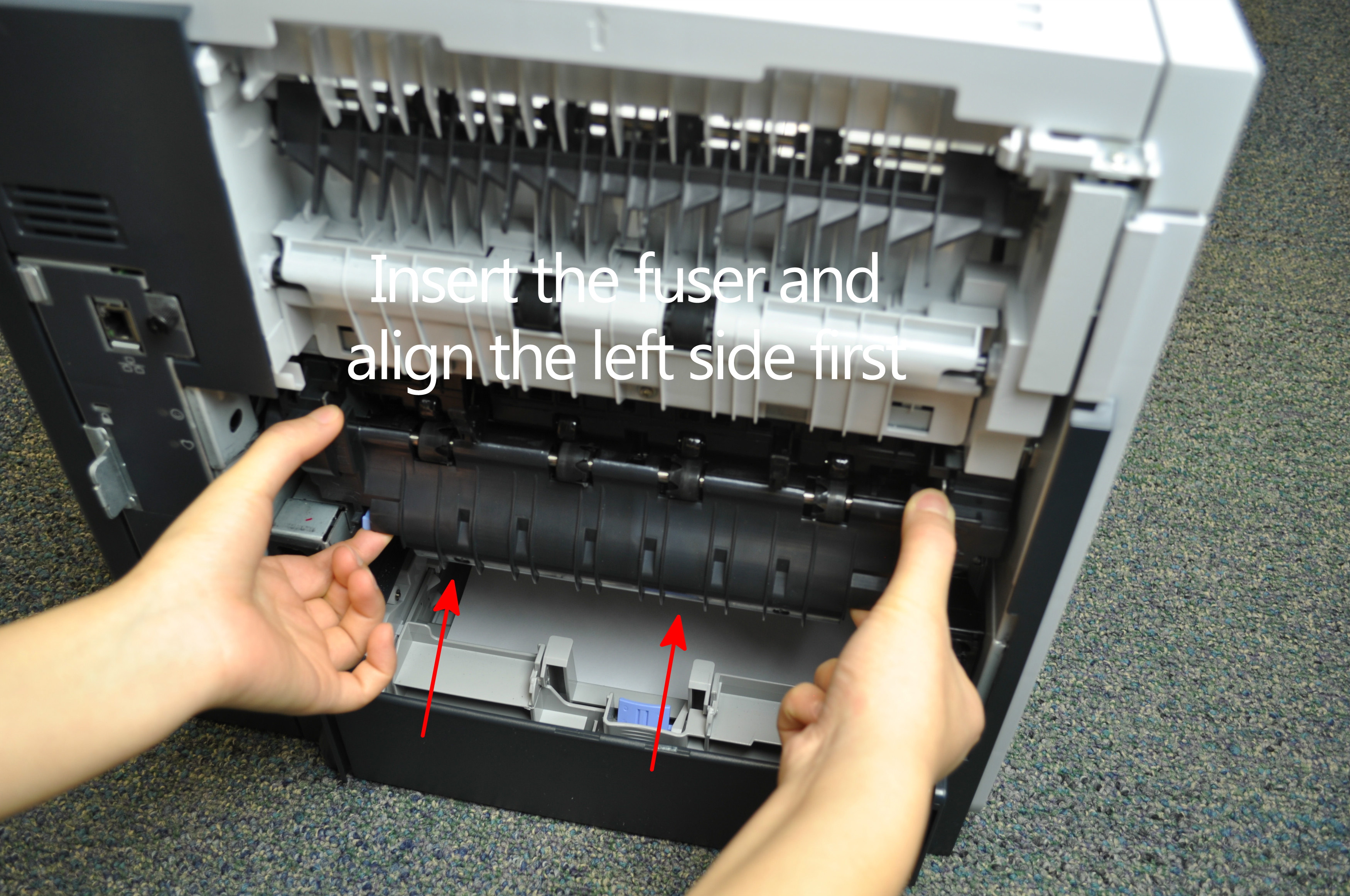
<p>Install the replacement fuser by inserting it and aligning the left side first, making sure that the fuser is fully seated into the printer and you will hear a sound of both blue levers snap into place.</p>
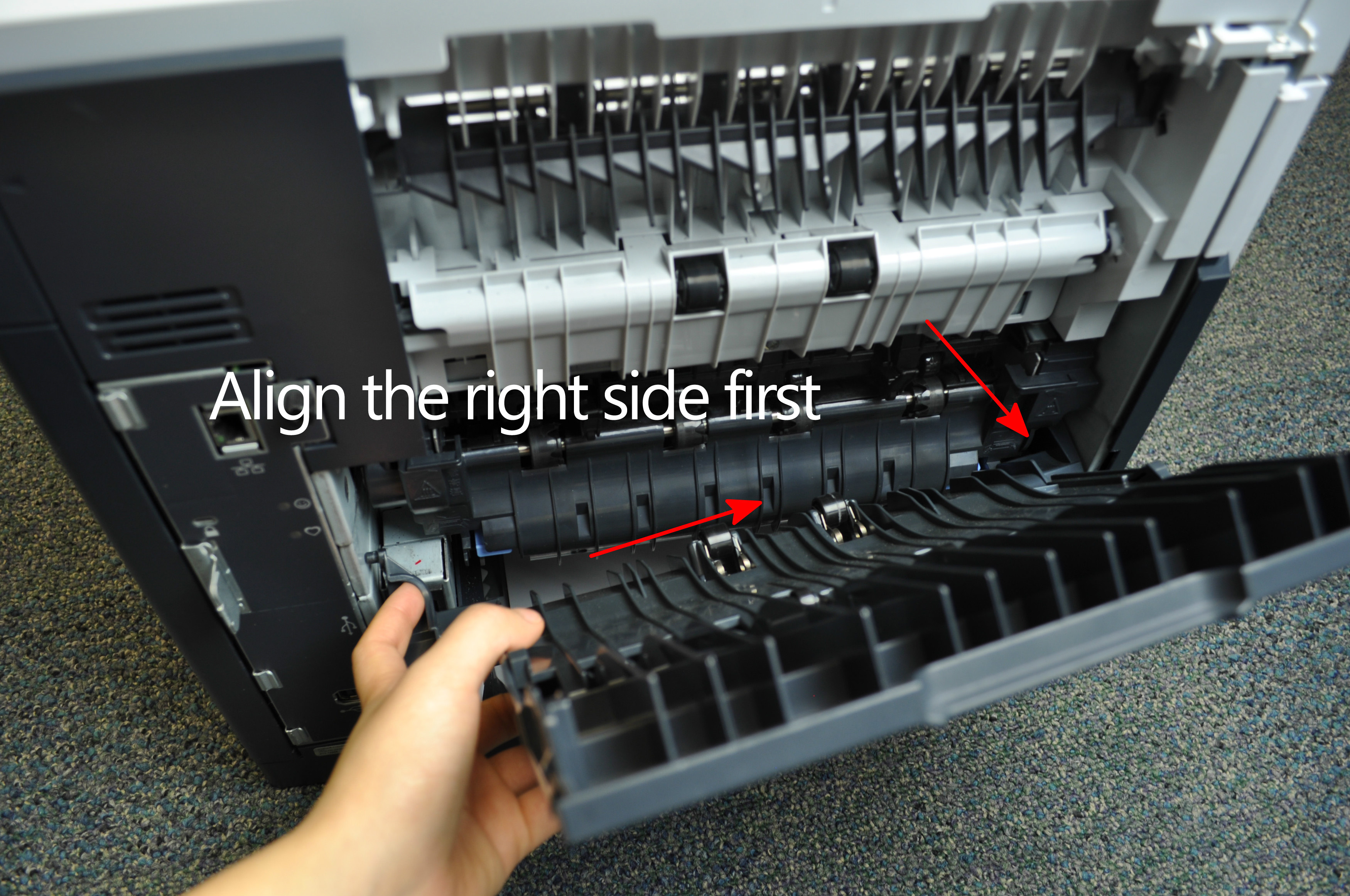
<p>Reinstall the plastic rear output bin.</p>