
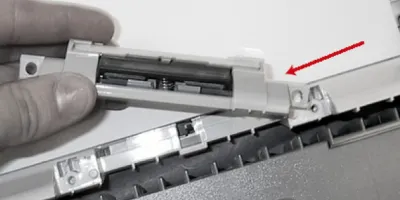
Easy to follow installation guide for RM1-1298-000 Separation Pad Assy, Tray 2
Compatible models
Detailed Step by Step Instruction
Remove the cassette paper tray (tray 2) from the printer.
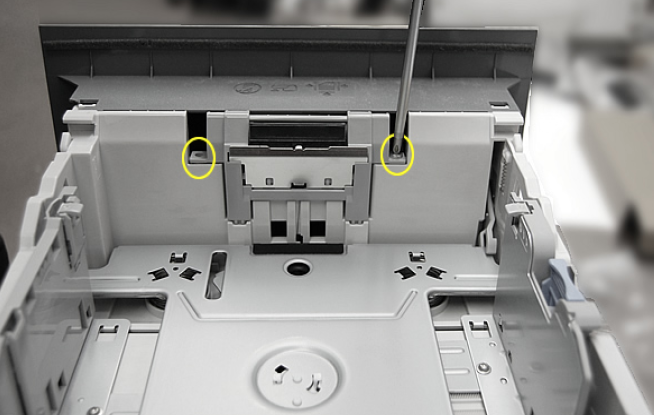
Remove the 2 screws (circled in picture below) which secure the separation pad.
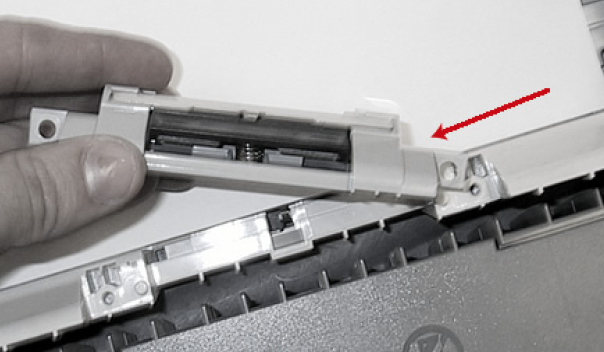
Remove the old separation pad assembly. Insert the new assembly and replace the screws.