
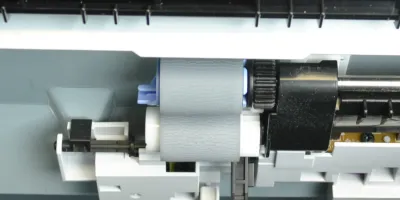
Easy to follow installation guide for RM1-0036-000 Pickup Roller, used in Q2429A maintenance kit.
Compatible models
Detailed Step by Step Instruction
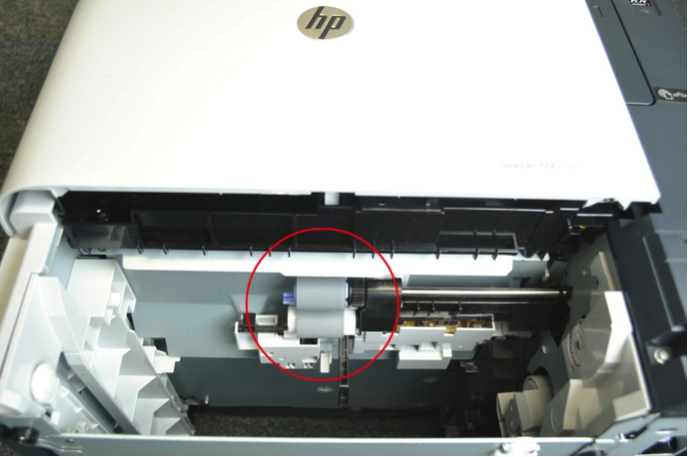
Look up into the paper tray cavity in the printer, there are two rollers located in the cavity.
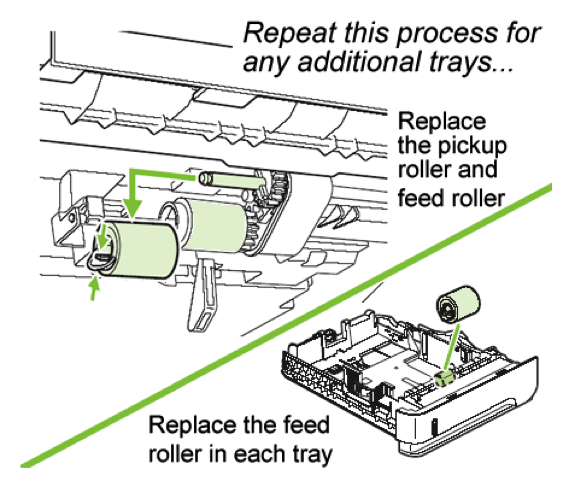
Remove them by pinching the blue tabs on the roller and sliding them off their shafts.
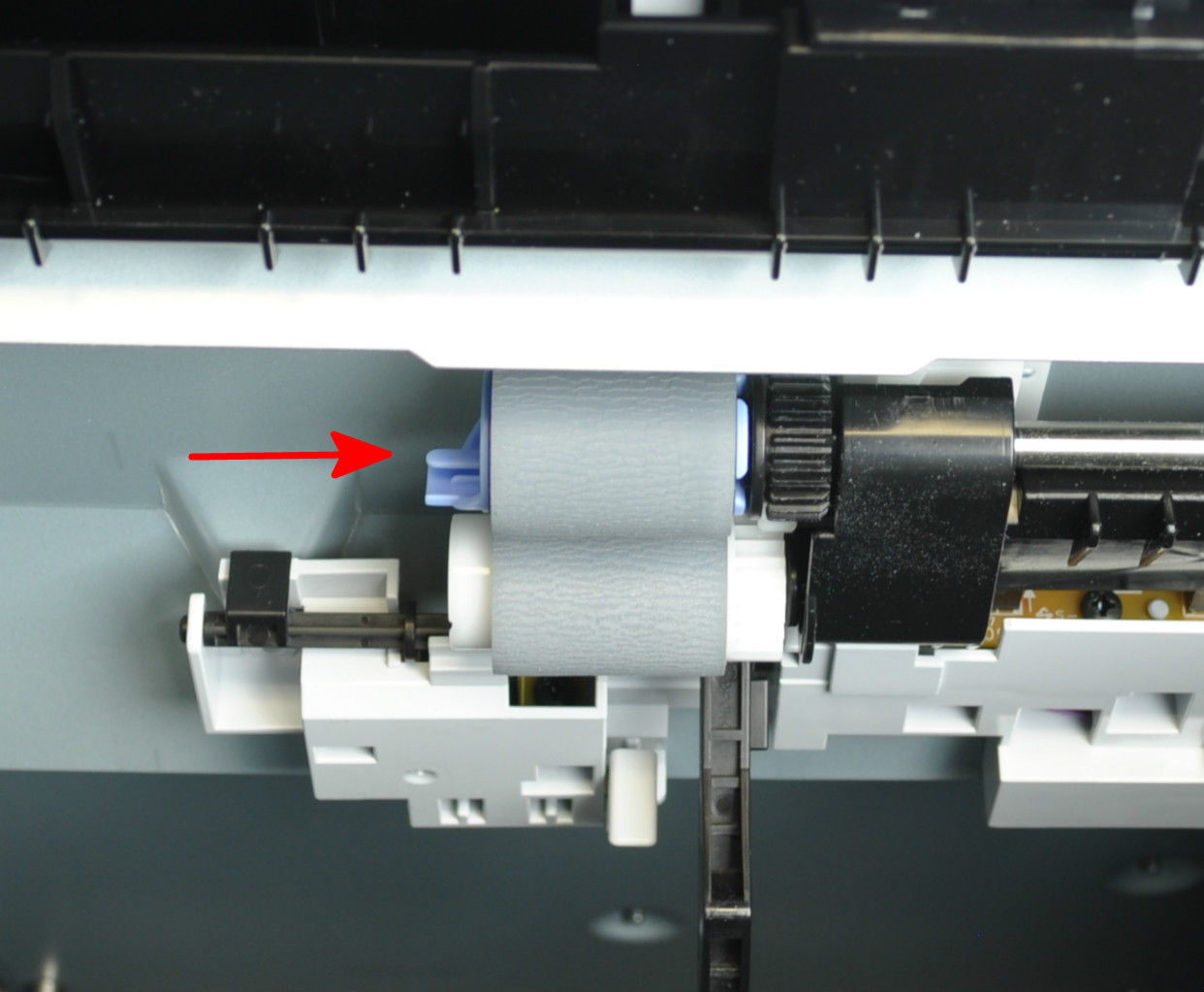
When replacing the feed and pick up rollers, make sure the blue tab locks on the shaft.