
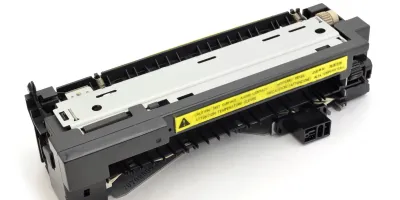
RG5-0879-000 Fuser Replacement Guide
Estimated Time
2
Compatible models
Detailed Step by Step Instruction
Unplug printer and let cool.
Open the printer’s rear door and take out the two hex head screws (white arrow) that secure the fuser. Slide the fuser out.
When reinstalling, slide the fuser into the printer until screw holes line up, then reinstall the screws.