
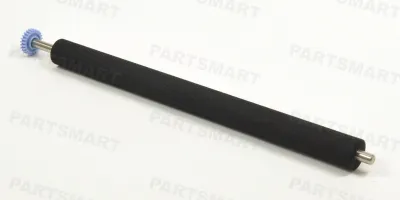
Easy to follow installation guide for RF5-0349-000 Transfer Roller w/ Gear
Compatible models
LaserJet 4
LaserJet 4+
LaserJet 5
Detailed Step by Step Instruction
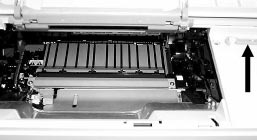
Open top cover.
Remove toner cartridge.
Locate green hook under lid (black arrow).
Use hook to gently lift up transfer roller from left side and pull out from right side.
Install new roller. Avoid touching the transfer roller with your fingers, as this can cause contamination and adversely affect print quality.
Remove paper protector.