
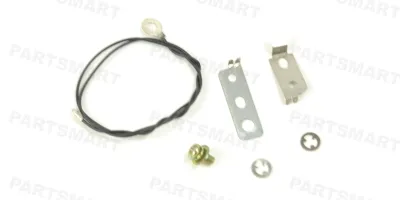
Compatible models
Color LaserJet CM6030 MFP
Color LaserJet CM6040 MFP
Color LaserJet CP6015
Detailed Step by Step Instruction
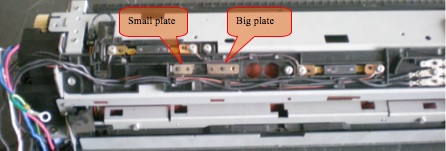
Place the grounding plates as indicated: small one on the left and the big one on the right.
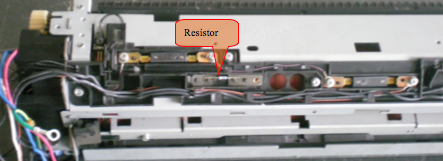
Place the resistor in between.
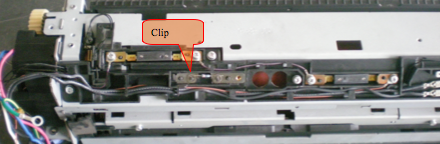
Place a clip (retainer) on each fixing node and push them down to the bottom to hold the resistor in place.
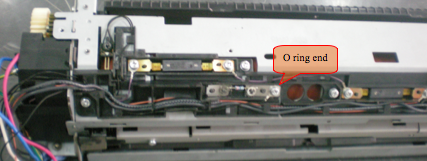
Connecting the wire: The end with O ring is screwed in place as shown below. Route the wire along wire holders.
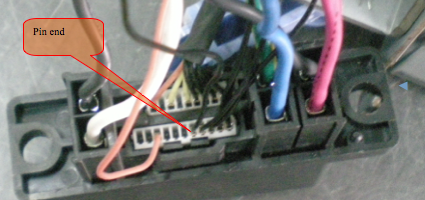
The Pin end of the wire is inserted into the white plug as shown in the second picture.