
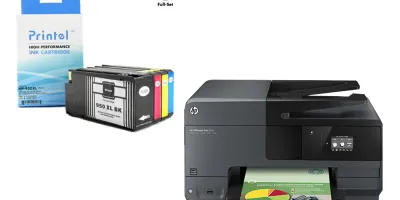
<p>HP released Firmware Update for the following printer models on October 12, 2016. HP Officejet Pro 8610, 8616, 8620, 8625, 8630, 8640, 8660. If you are still using the old firmware, you may get ink cartridge incompatible error messages when using our Printel ink cartridges. Our HP 950XL/951XL ink cartridge chips are now compatible with the newly updated firmware. To solve your problem, you simple need to go to HP website, download the updated firmware and install it on your printer. Following is an example for HP Officejet Pro 8610 firmware update.</p>
Compatible models
Detailed Step by Step Instruction
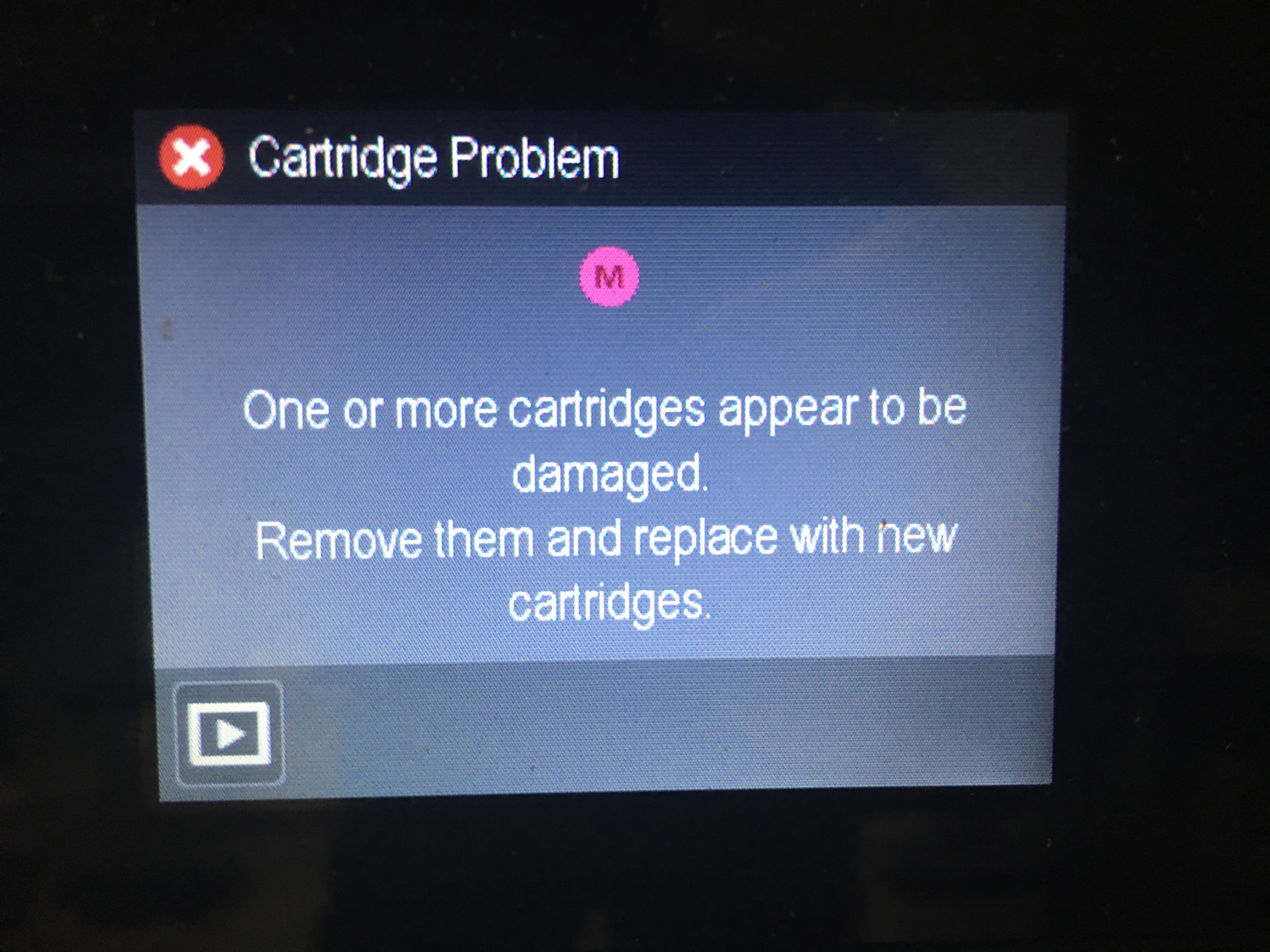
After you install Printel HP 950XL/951XL ink cartridges on your printer, if you see the following message for one or more of the cartridges, it means that your Firmware needs to be updated.
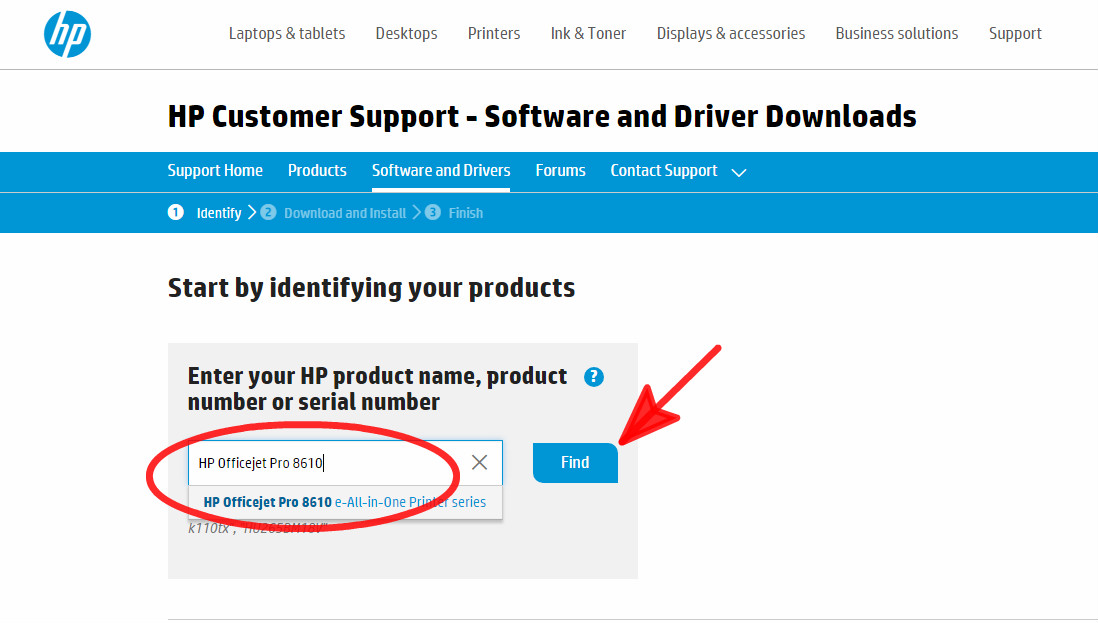
From your computer, go to https://support.hp.com/us-en/drivers to download the updated Firmware for your printer. You will see a search box as shown below. Please type in your printer model, for example, “HP Officejet Pro 8610”, then click the “Find” button.
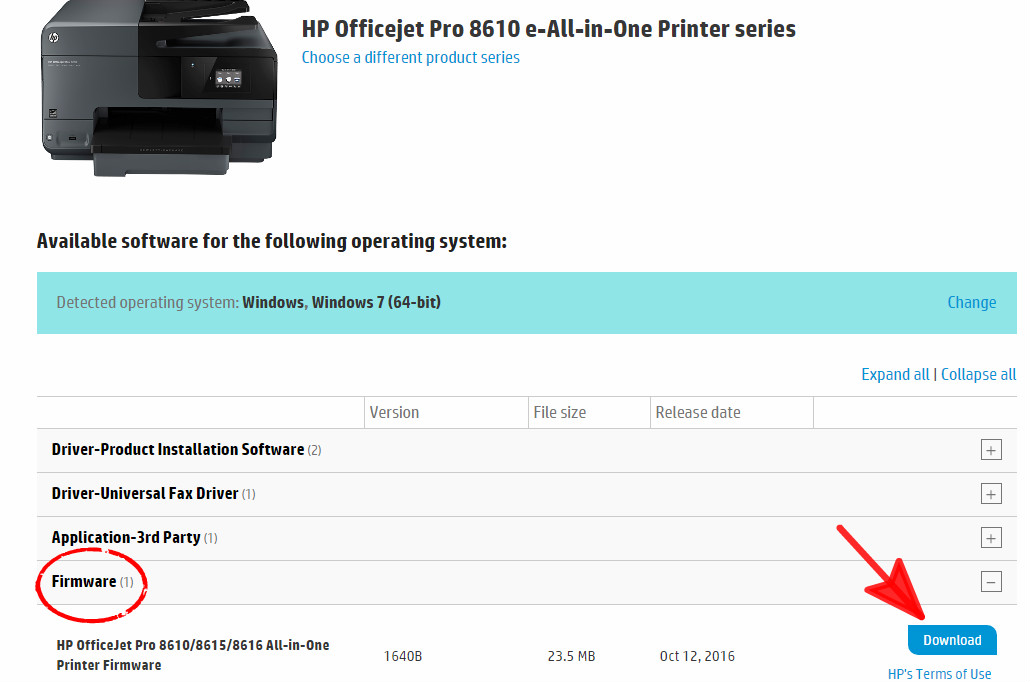
After finding your printer model, click “Firmware” to reveal the Download button, then click “Download”.
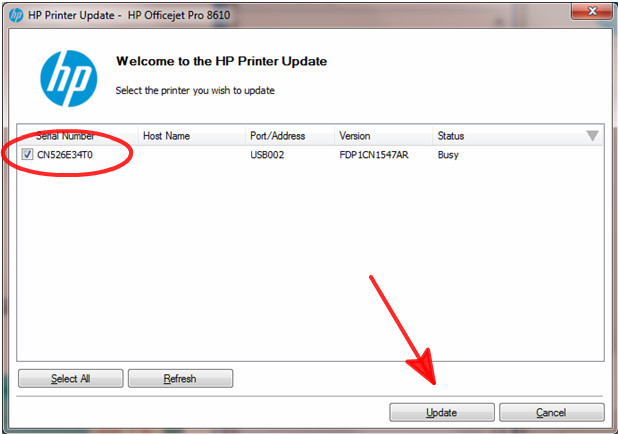
Once you have successfully downloaded the Firmware, install it on your computer. The following window will pop up after installation is completed. At this point, if your printer is connected to the computer, the printer will show up on the list. Select the printer that needs to be updated, and then click “Update”.
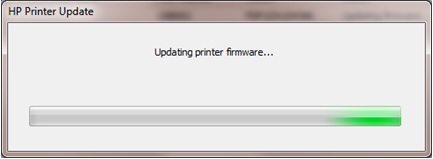
The computer will update the Firmware on your printer.
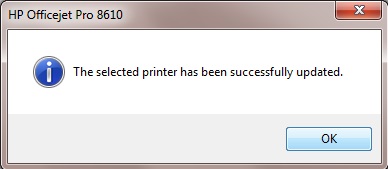
Click “OK” after the printer has been successfully updated.