
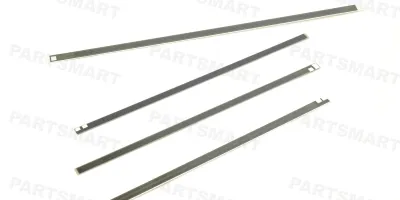
Compatible models
Color LaserJet CP3505
LaserJet Enterprise M806
LaserJet Enterprise M830 MFP
Detailed Step by Step Instruction
Take off damaged/used heating element from fixing assembly.
Clean heating element surface and fixture mounting surface thoroughly with alcohol.
Pick up some glue with a Q-tip or spatula.
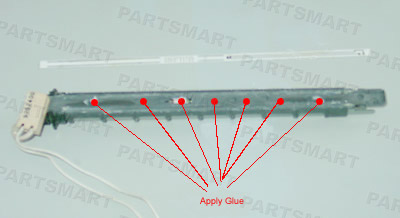
Apply glue to 5~7 locations on the mounting surface as illustrated.
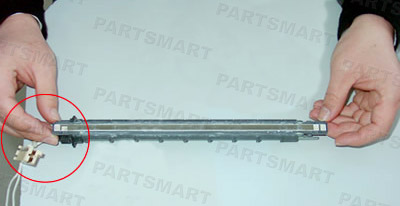
Insert heating element into fixture and push down firmly.